> ## Documentation Index
> Fetch the complete documentation index at: https://docs.synq.io/llms.txt
> Use this file to discover all available pages before exploring further.
# Monitor Usage
Coalesce Quality is priced based on the number of monitors and users you have. Our admin panel gives you a real-time overview of how many monitors you’ve deployed.
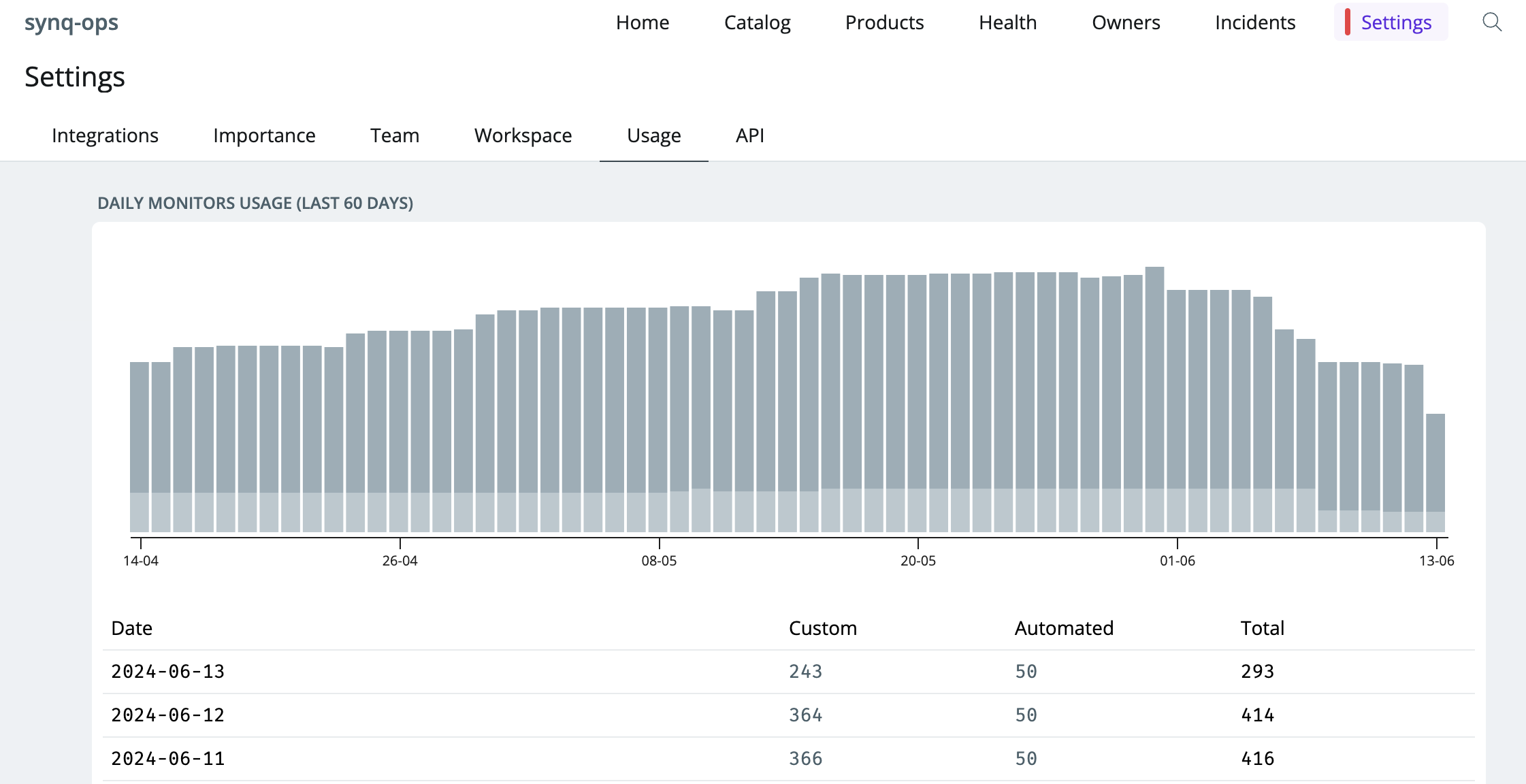 ### See monitor usage
* Head to [Settings](https://app.synq.io/settings/integrations) > [Usage](https://app.synq.io/settings/usage)
* The chart and table show the number of custom and automated monitors over time. See [Monitors overview](/monitors/monitors-overview) for a breakdown of what makes up custom and automated monitors.
See [setting up monitors](/monitors/setting-up-monitors) for guidelines on how to configure monitors. [We’re always up for a chat](https://calendly.com/d/yvm-cdr-r3z/synq-intro) if you want specific advice on how to best deploy your monitors
### See monitor usage
* Head to [Settings](https://app.synq.io/settings/integrations) > [Usage](https://app.synq.io/settings/usage)
* The chart and table show the number of custom and automated monitors over time. See [Monitors overview](/monitors/monitors-overview) for a breakdown of what makes up custom and automated monitors.
See [setting up monitors](/monitors/setting-up-monitors) for guidelines on how to configure monitors. [We’re always up for a chat](https://calendly.com/d/yvm-cdr-r3z/synq-intro) if you want specific advice on how to best deploy your monitors