Only users with the Admin role can invite new users.
Go to .
Click Add user.
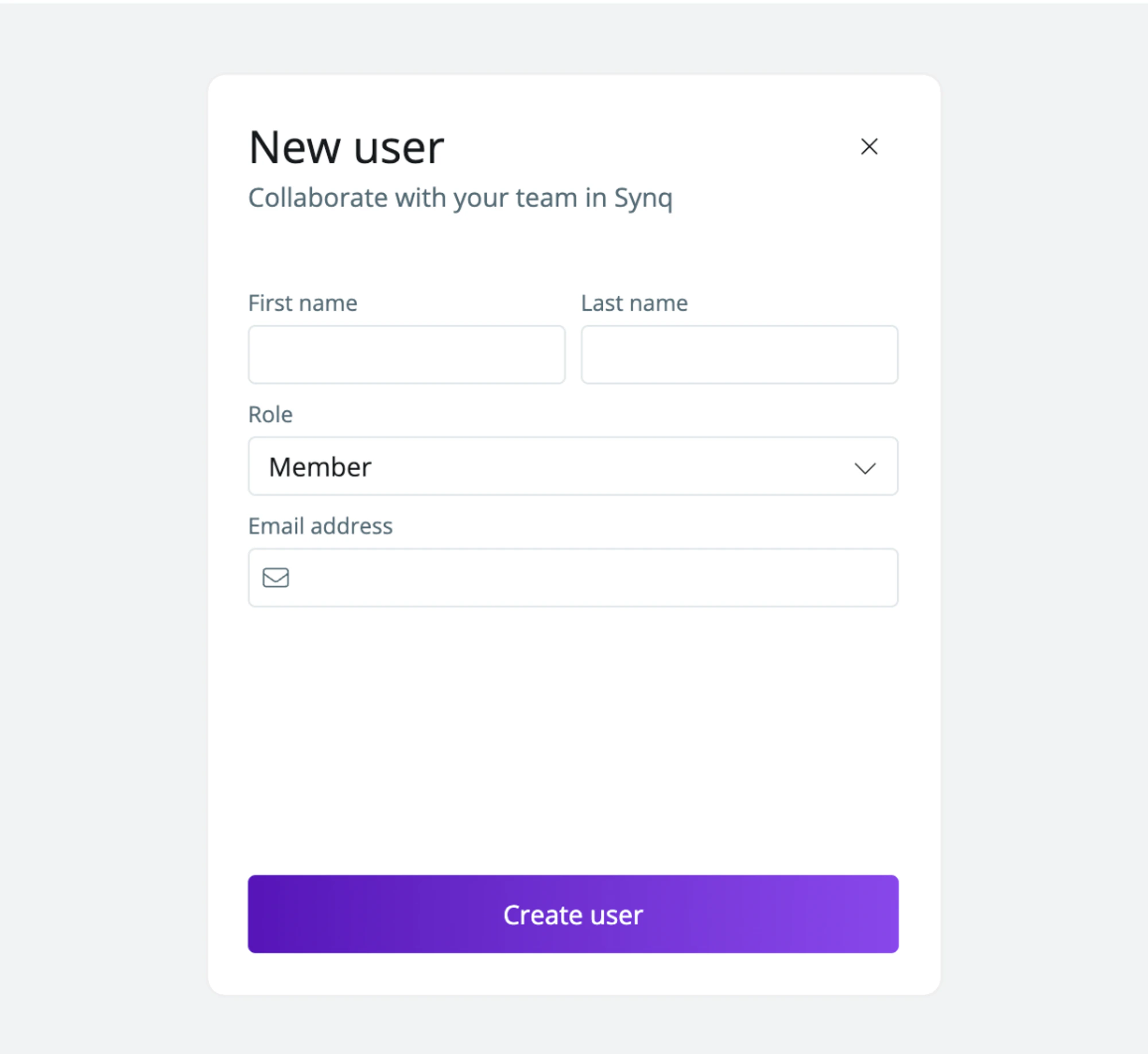
Enter the first name, last name and email address, and select the user role. See User roles for what each role can do.
Click Add user.
The user gets an email invitation to join your workspace. Until they accept it, the Team page shows Invitation pending.If your plan has a user limit and you reach it, the Add user button is disabled.