

- Group related data assets and their health by owner, so it is easier to act.
- Alert or tag the relevant people in Slack, Microsoft Teams or email when assets they own have issues.
- Assign an owner to a data product, so it is clear who is responsible for it.
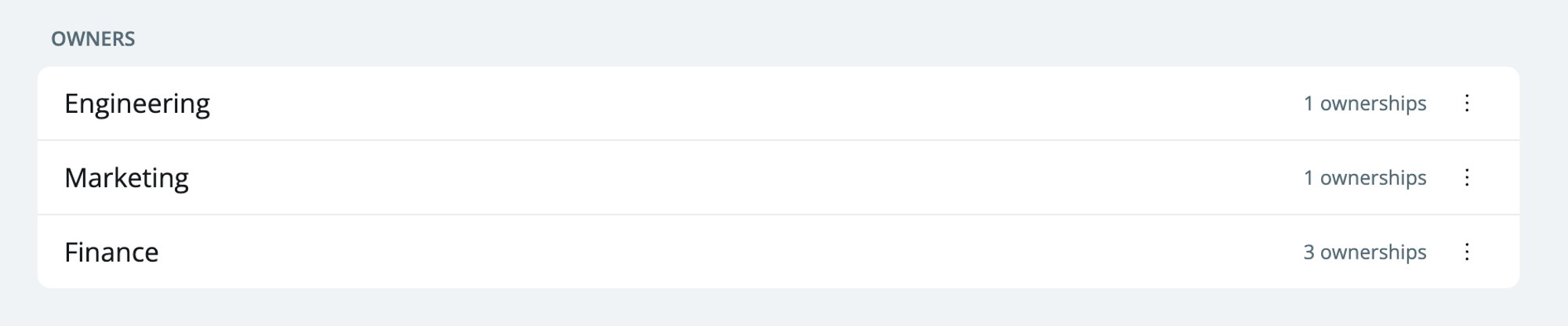
Create an owner
See Creating an owner.Editing or deleting an owner
- Go to .
-
Click the three dots next to the owner and select
EditorDelete.
Ownership best practices
These approaches work well:- Start small. You do not need owners for all your data assets at once. Start with the few assets that are most critical for your business. Data products are a good starting point.
- Use groups, not individuals. Define owners by the team or function that already exists in your company (e.g.,
product analytics), not by a person (e.g.,John Doe), even if the group has one person. This is easier to manage when people change roles or leave. - Agree on expectations outside the data team. Before you route alerts to upstream teams, agree with them on what they should do when they get an alert.
- Use ownership in your existing workflows. Send alerts to the owner’s Slack channel or email, so the owner sees and acts on issues.
- Be consistent. Define ownership the same way and at the same level across teams.