

Setting up a domain
-
Go to and click
Add domain. -
Give the domain a name and a description.
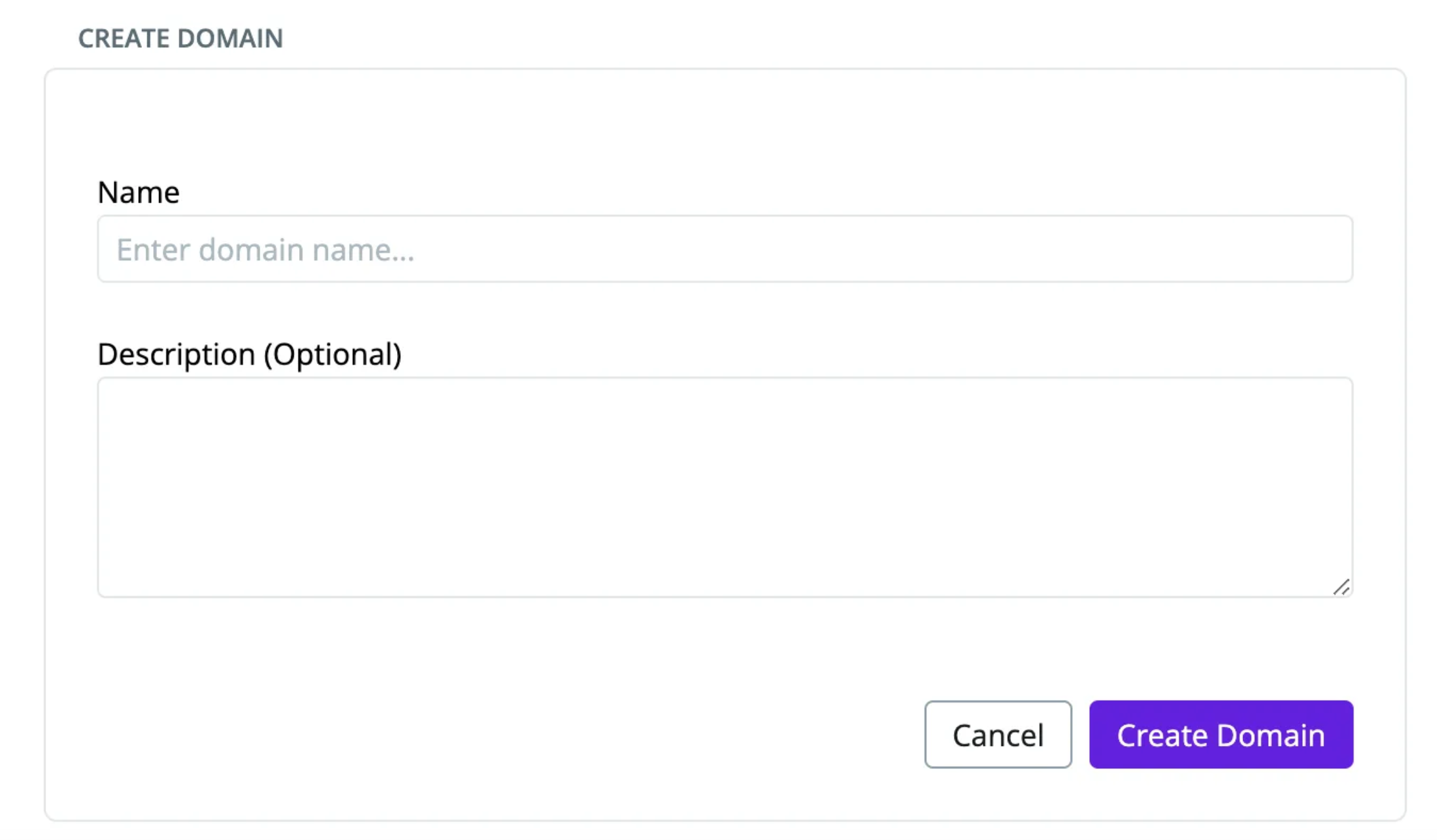
-
Open the new domain. On the
Assetstab, clickAdd assetsto select assets with filters. On theProductstab, clickAdd productto add data products.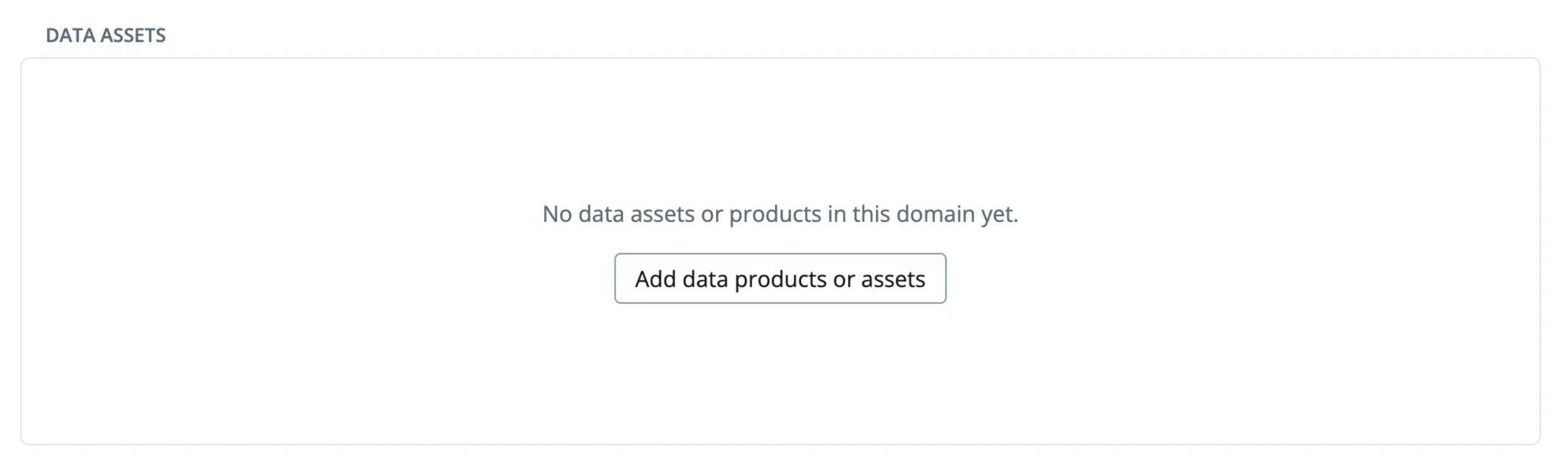
-
On the
Memberstab, clickAdd member. Members see all the assets and products in the domain. A member must already exist in the workspace before you can add them.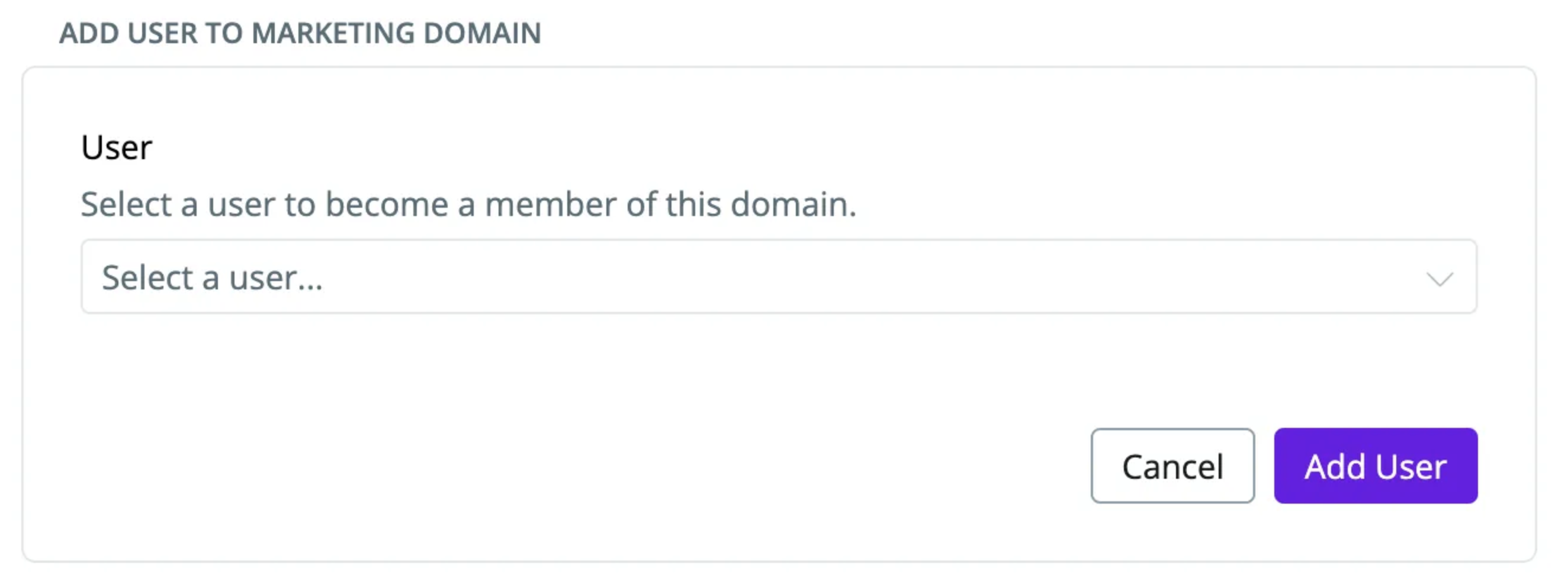
Working with sub-domains
Use sub-domains when a large domain (e.g., Marketing) has clear smaller areas (e.g., performance marketing, brand marketing). The assets and products of a sub-domain also belong to its parent domain.- Open a domain and go to the
Sub-domainstab. - Click
Add sub-domain. - Name the sub-domain. Then open it and add its assets, products and members, the same way as for a domain.
Member roles in domains
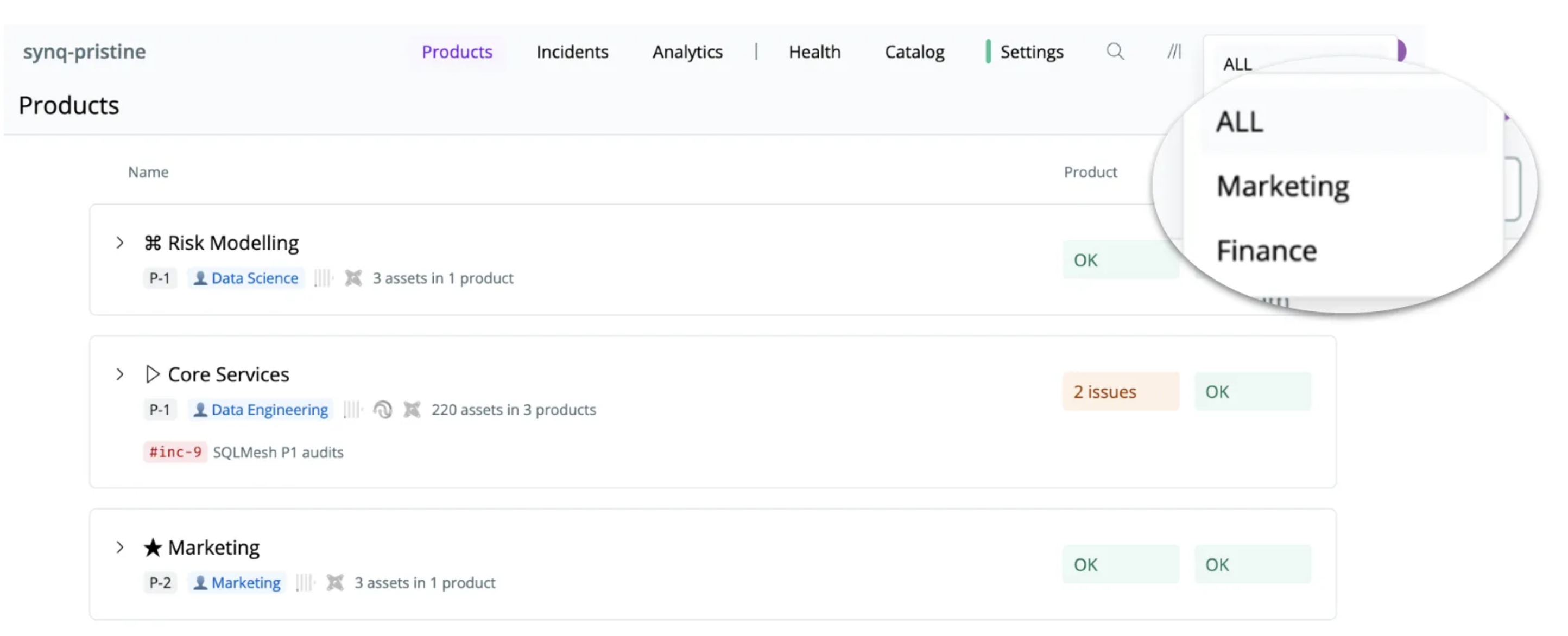
- Owners and Admins can switch between all domains, and can see data across all domains with the
ALLoption in the domain selector. - Other members see the domains they belong to. Read more about user roles. If the workspace has no domains, everyone sees all data.
Members tab, click the three dots next to the member and select Set as default domain. The member sees this domain each time they open the platform.
How domains affect access to data
Domains give a member a focused view of the data. They do not restrict access: a member can still open any data asset, including the lineage in and out of their domain. To control access to data, use the access controls of your data storage (e.g., your data warehouse).Managing domains programmatically
You can manage domains, their nesting and their members outside the app.- Public API:
synq.domains.v2.DomainsServicelists domains, walks the hierarchy, resolves the assets in one, and upserts or deletes it. Reading needs a token withSCOPE_DOMAIN_READ, writing needsSCOPE_DOMAIN_EDIT. See the API reference and API scopes. - MCP: the domain tools let an AI assistant walk the hierarchy, draft a membership definition combining pinned assets, data products and other domains, and save it once you approve. Reading is covered by read-only consent; saving and deleting need the Governance permission and are confirmation-gated.